
All articles
Use AI Monsoon on your phone
Your best prompts, in your pocket. Install AI Monsoon on your phone's home screen, grab a prompt in seconds, and send it to your AI app. It even works offline.
Before you start
- Any plan. No app store needed.
Install on Android
- Open aimonsoon.com in Chrome and sign in.
- Tap Menu in the bottom bar.
- Tap Install app, then confirm.
Install on iPhone or iPad
- Open aimonsoon.com in Safari and sign in.
- Tap the Share button.
- Tap Add to Home Screen.
Install on your computer
In Chrome or Edge, click Install app in the AI Monsoon sidebar.
What you'll see
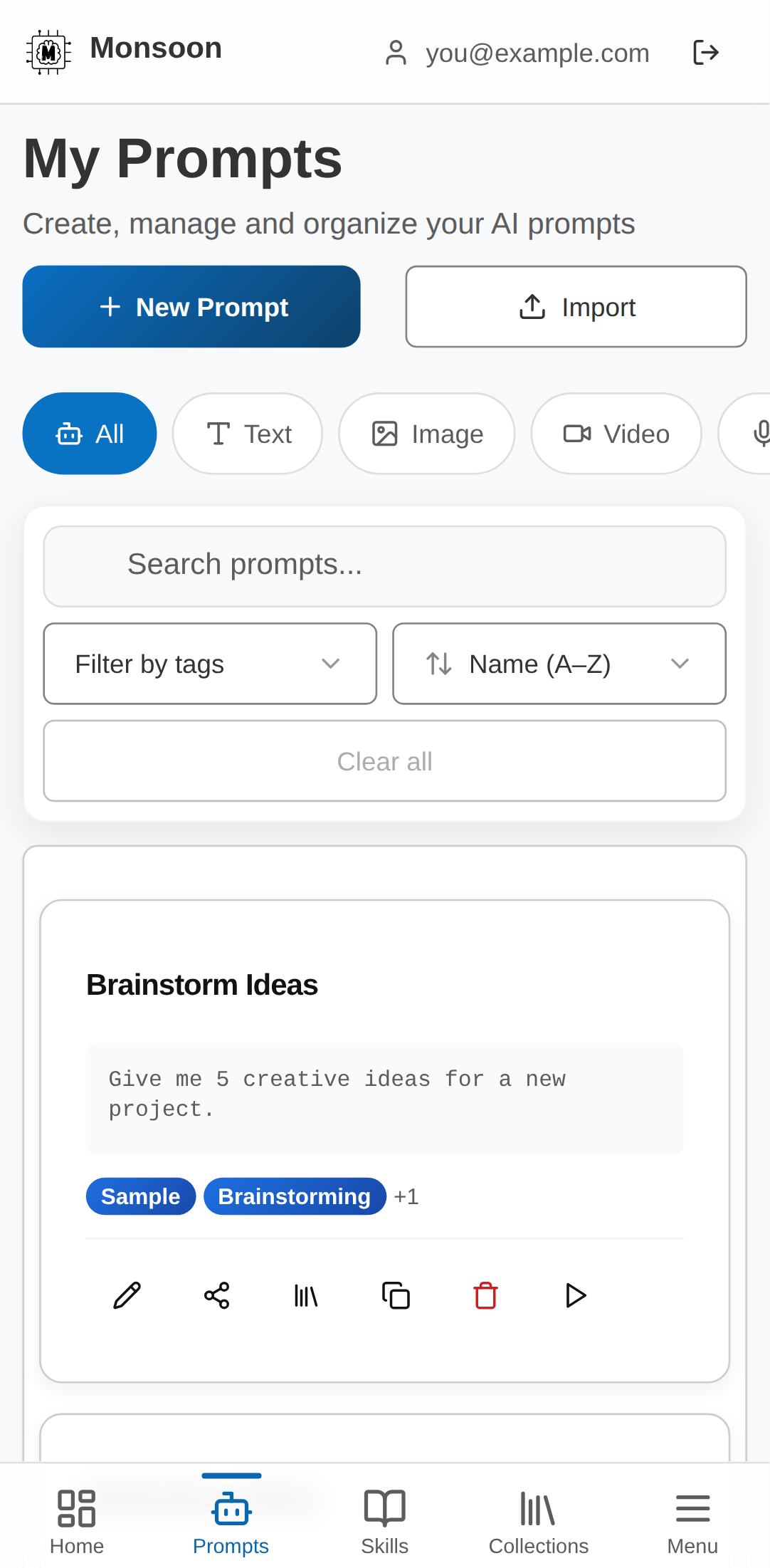
An AI Monsoon icon on your home screen. It opens straight to My Prompts, full screen, like any other app. The bottom bar takes you to Home, Prompts, Skills, Collections and Menu.
Use it offline
No signal? Open the app anyway. You'll see your 50 most recent prompts, and you can search and copy them. Editing needs a connection.
Save text from other apps (Android)
Found a great prompt in another app? Tap Share in that app and choose AI Monsoon. A new prompt opens with the text already in it.